
Click here to Download a
Detailed Description of 30.14-Loading Photos into DolphinThe 30.14-Loading Photos into Dolphin Course Presentation is 20 minutes run time. This course Presentation has about 9 embedded quiz questions that help the learner focus on the important concepts. There are 9 questions asked in the one Knowledge Quiz.
This course will make the editing and downloading of raw photograph files more efficient.
Even though this course demonstrates production with a small point and shoot camera, the basic principles are applicable when using a digital SLR camera. Since this course has been used to train thousands of dental professionals and students, a small, easy-to-operate camera was used in those hands-on sessions rather than a SLR camera.
The Educational Goal and Objectives for 30.14-Loading Photos into Dolphin
Goal - The goal of the 30.14-Loading Photos into Dolphin Course is to train the individual how to download and edit raw photos into a Dolphin Imaging System Template, save that template, and upload the template into an Invisalign Account.
Objectives - At the conclusion of this course the learner will:
- Find, select, and download a patient’s clinical photographs from a camera into a computer folder.
- Select a composite layout for 9 photos that includes the Close-up of the Smile image placeholder
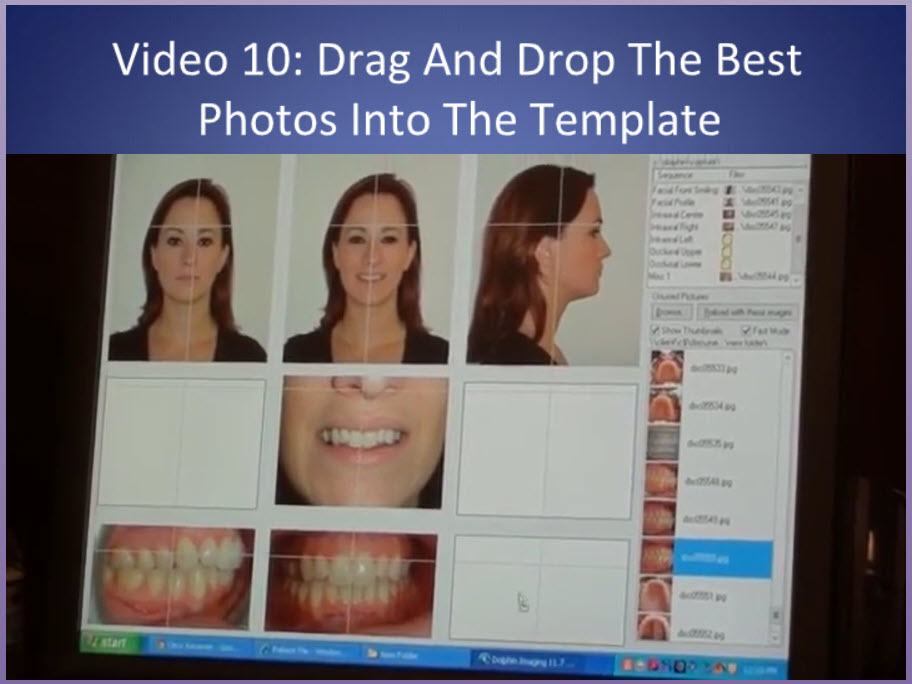
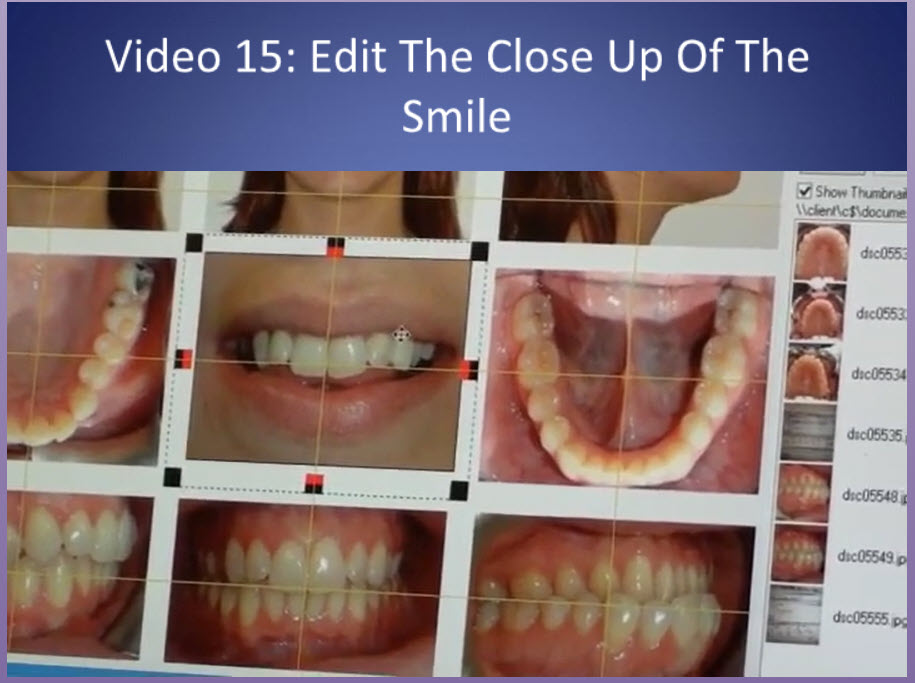
- Drag, drop, enlarge, and rotate each clinical image to the proper location on the layout and then edit the layout so that the images meet specific standards that will assist in diagnosis
- Save the layout in the patient’s chart and label it properly
- Place the “raw” images in the patient’s photo folder labeling them with the date, stage of treatment, and patient’s details.